Posted by Aaron on September 28, 2026
Comments (0)
The process of applying this service pack to your BV Commerce 2026 store is simple. If you need to upgrade from an older version or would like to create a fresh installation please refer to the respective documentation.
Two Downloads
The primary difference with this release is that there are two download options in your account:
- BV Commerce 2026.1.1.6485
- BV Commerce 2026 - SP1 upgrade
The "BV Commerce 2026.1.1.6485" download is intended for fresh installs or for upgrading from BVC 2020 or older (refer to the links above). The "BV Commerce 2026 - SP1 upgrade" download is intended for stores that are running BVC 2026 and contains only the files that were modified between 2026 and 2026 SP1. While you could use either download to apply the service pack, the upgrade download will save time considerable since it only contains the changed files.
Applying Service Pack 1
These installation steps assume that you already have a functioning BV Commerce 2026 store. Note: if your website has any custom code outside of your theme folder (\www\BVModules\Themes\YOUR_THEME_FOLDER) you may need to use a file comparison tool like Beyond Compare to merge your changes.
- Create a backup of your website files and database.
- Download "BV Commerce 2026 - SP1 upgrade" from the Downloads page of your account.
- Unzip the file on your computer to a location of your choosing.
- Copy only the contents of the \www folder to the server; the other folders contain the source code for developer use.
- Open your web browser and go to the address of your BV Commerce store. Provided that the above steps were done correctly you should be redirected to the /SQLPatch.aspx page and see the installation screen below. If you don't, please re-check the steps above.
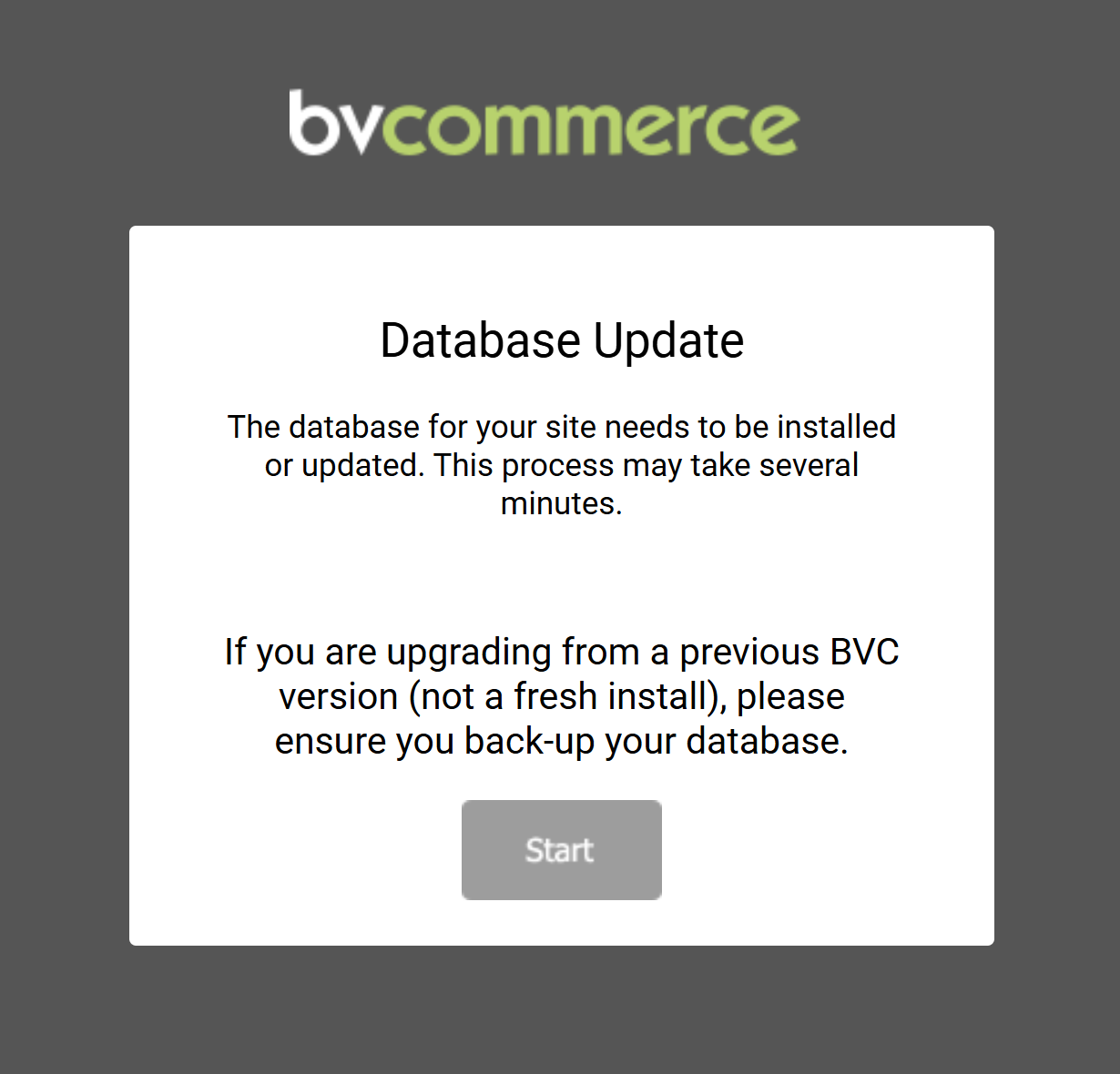
- Click the "Start" button to complete the upgrade. This should only take a few seconds. Once the upgrade is complete you will be redirected to the store homepage.
- If your site uses a theme that was created from the Bootstrap3 Responsive, Bootstrap4, or Bootstrap4 Turbo themes, please read the additional instructions below.
- Congratulations! You've successfully upgraded to BV Commerce 2026 SP1.
Updating themes derived from Bootstrap 3 and Bootstrap 4
This service pack contains a number of changes to the Bootstrap3, Bootstrap4, and Boostrap4 Turbo themes. If you created a theme derived from these themes (i.e. you started by duplicating one of these themes and then modifying it) you will need to compare the updated theme files of the corresponding theme to your theme and merge the changes. This is where a file comparison tool like Beyond Compare is indispensable as it will allow you to easily compare the theme folders and locate the differences in each file.