The following document will walk you through the steps to setup United States Postal Service (USPS) OAuth credentials for use with the new USPS API. BV Commerce uses this API to get real-time rates for the US Postal Service.
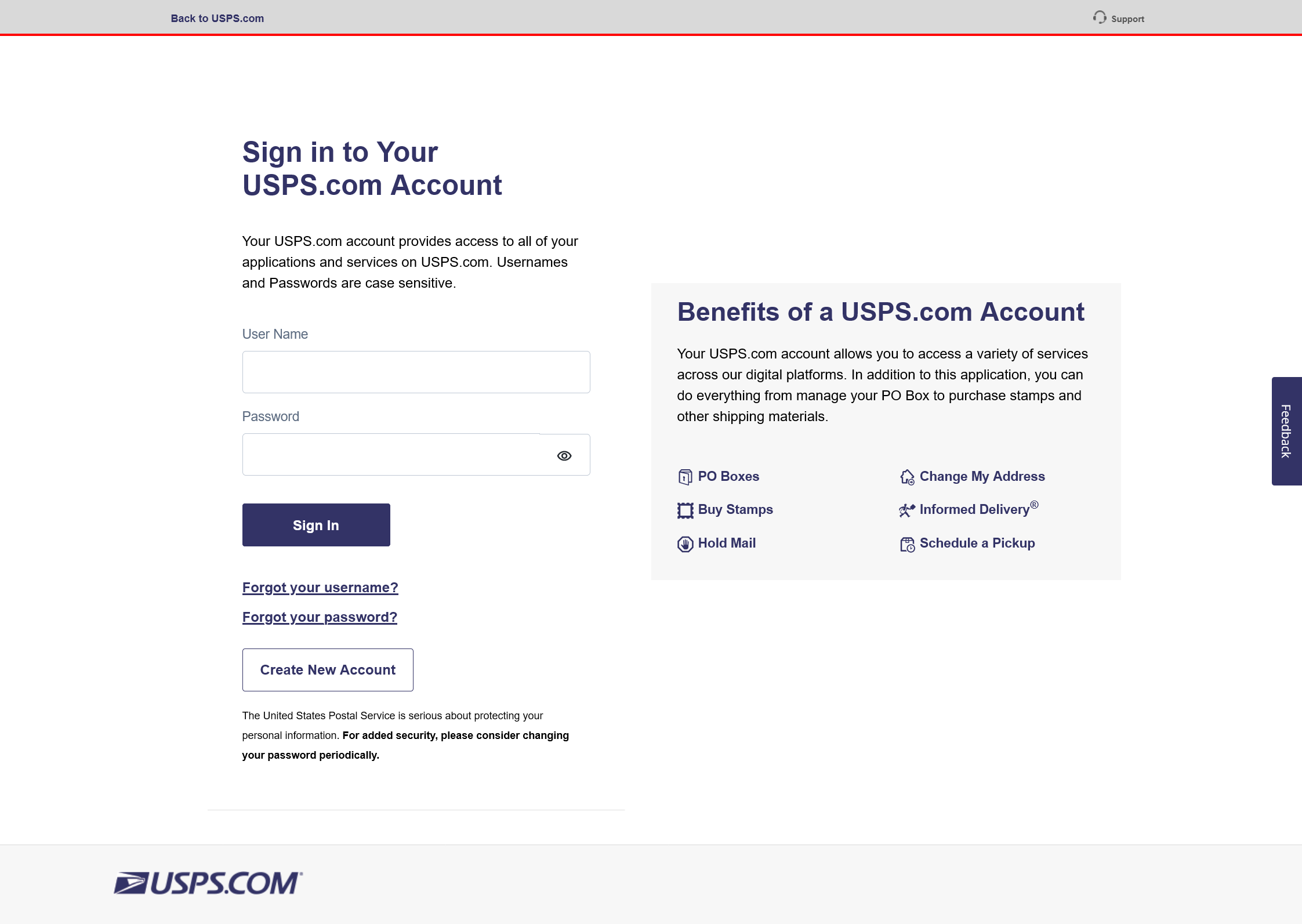
1. Log in to your USPS Business Account
Log in to the Customer Onboarding Portal (COP) using your USPS Business Account at http://cop.usps.com. If you don’t have a USPS Business Account, you can create one by clicking the “Create New Account” button to sign up for a new Business account.
Note: Personal accounts do not have access to APIs.
2. Setup BV Commerce ‘app’ on the USPS Developer site
Once you’re logged in to the Customer Onboarding Portal (COP), click on “My Apps” at the top of the screen.
Then click the “Developer Apps” tab.
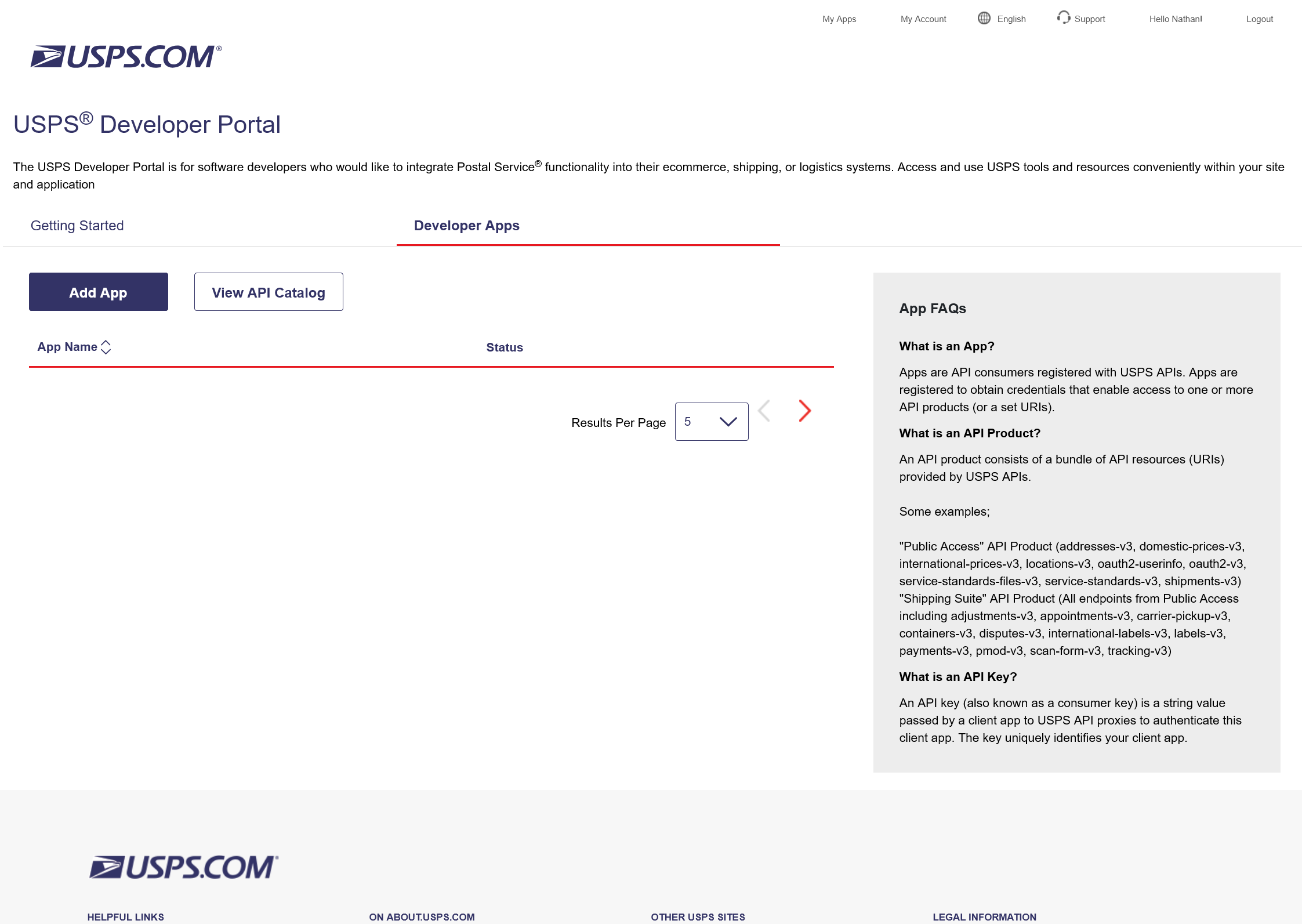
Click on the “Add App” button.
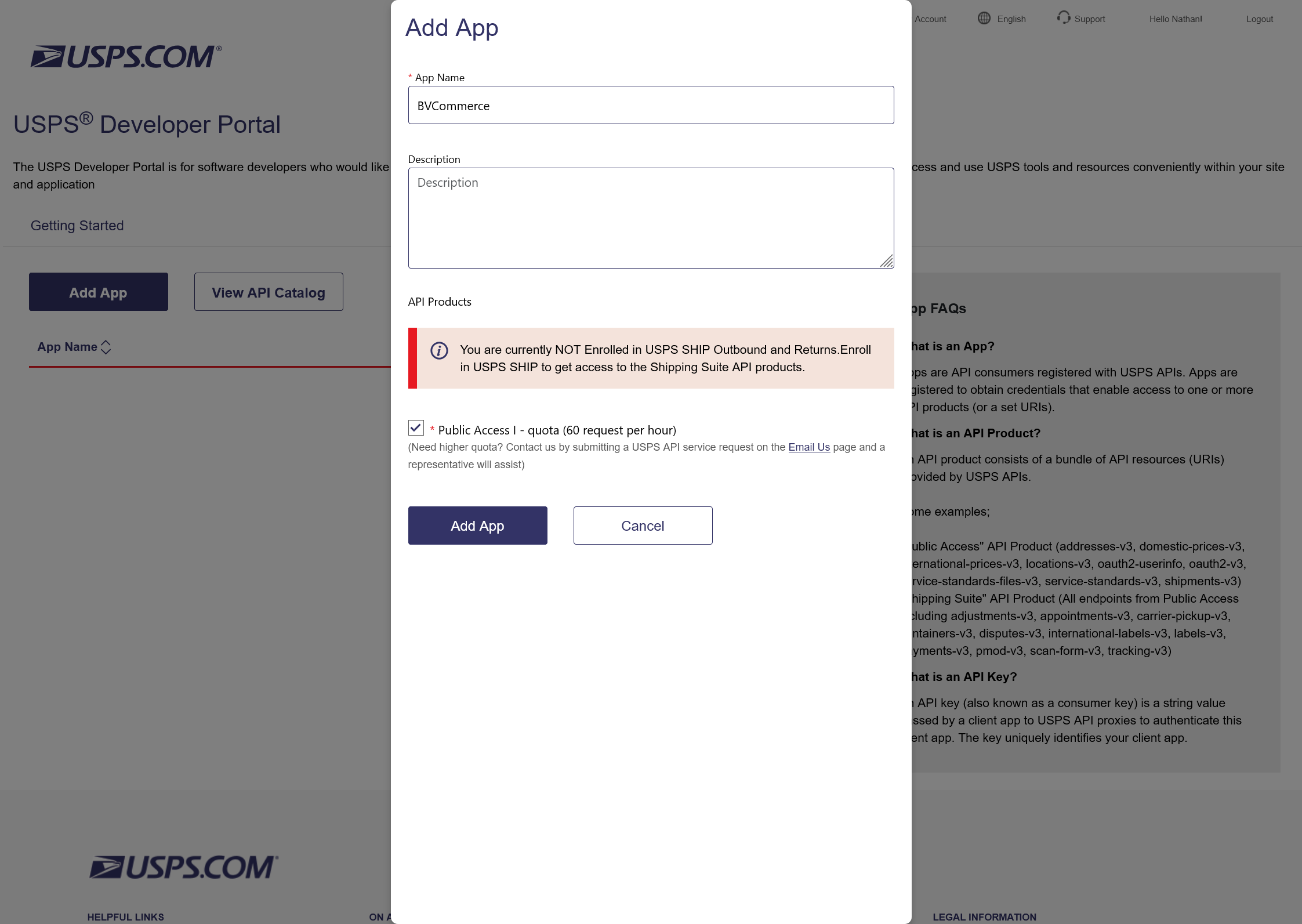
Enter "BVCommerce" for the app name field in the pop-up window; you can leave the description field blank. Be sure to check/enable the “Public Access I” option before creating the app.
After adding your App, you will be presented with your credentials: a Consumer Key and Consumer Secret. You will need these to access USPS APIs.
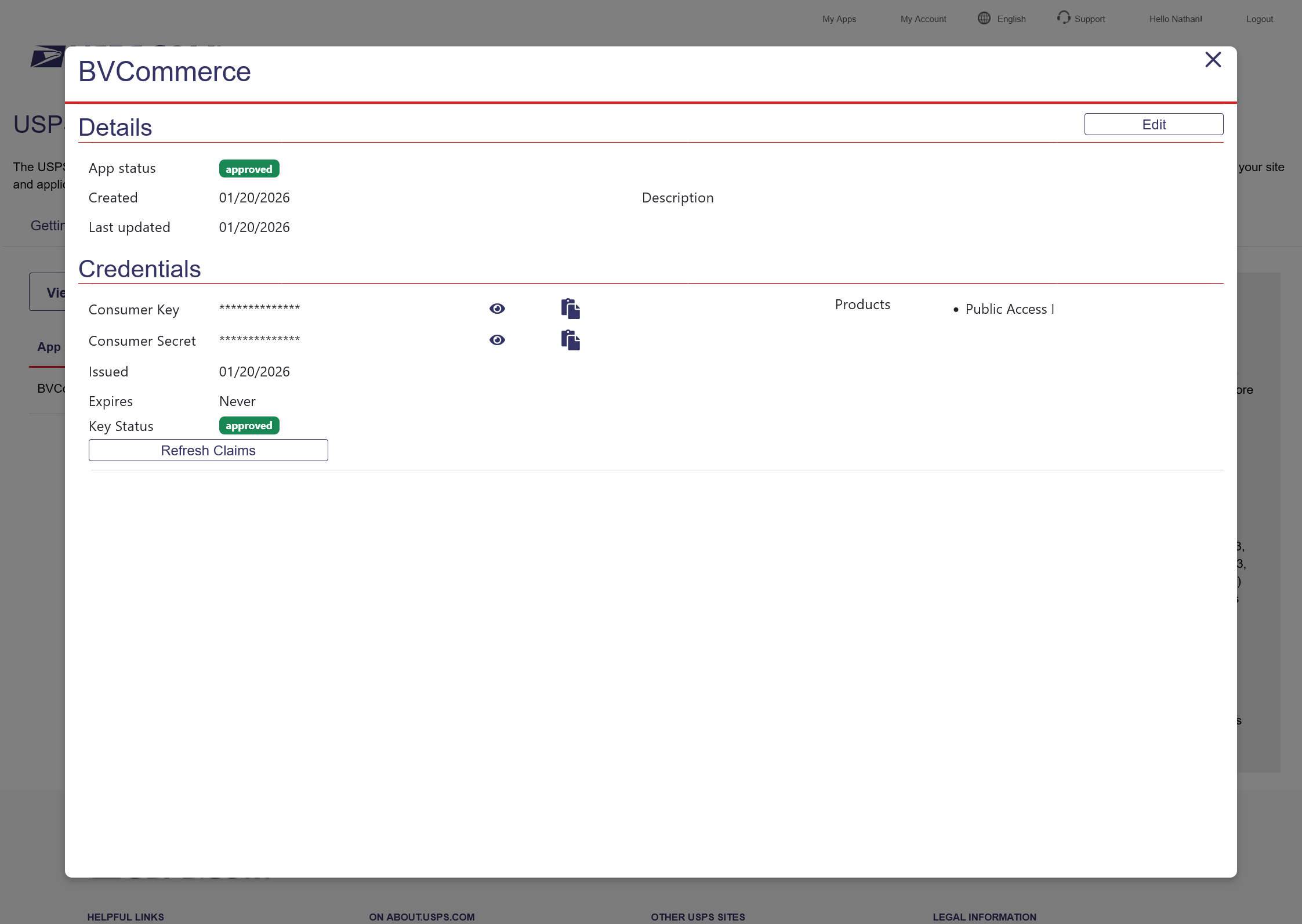
3. Copy/Paste the Consumer Key and Consumer Secret into the BV Commerce admin
Log into your BV Commerce store admin and go to the Options menu at the top and click "Site Settings". Scroll down and click "Shipping Methods" in the left-column menu. Click the Edit button next to the first US Postal shipping method you find or, if you haven't set up any US Postal shipping methods, select "US Postal" from the dropdown menu at the top of the page and click the New button.
Copy/paste the Consumer Key and Consumer Secret from the US Postal site into the appropriate fields. Be sure to click the Save button when complete. The API credentials only need to be added to one US Postal shipping method as the credentials are shared among all the US Postal methods.
4. Configure Each USPS Shipping Method
You must also configure the following new settings for each of your US Postal shipping methods:
- Service
- Packaging Type
- Rate Mode
- Account Number (only required if using "Contract" rates)
Be sure to set these for each method and click the Save button when complete.